

EA Black Dragon MT5
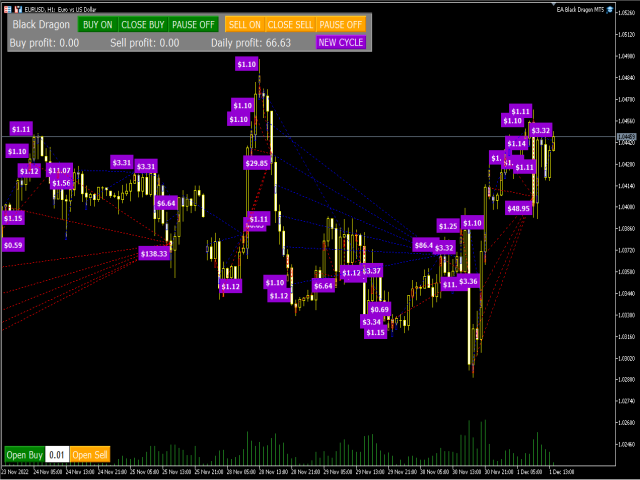
EA Black Dragon runs on the trend indicator. The EA opens a deal by indicator color, then there is the opportunity to increase the network of orders or work with stop loss. Works on accounts that support hedging.
Open new series – True/False – EA will open another series of orders (enable/disable)
· Trade Buy – True/False – EA will buy or not buy (enable/disable)
· Trade Sell – True/False – EA will sell or not sell (enable/disable)
· Manage manual orders – True/False – If true EA will manage manual orders (enable/disable)
· Use hedge – True/False – EA will hedge (buy and sell)
· Order Comment – Type in comment of your choice
· Max spread (0-not use) – Maximum spread allowed
· Start Hour – the hour that the EA will start trading
· End Hour – the hour that the EA will stop trading
· Magic – the number for the EA to recognize it’s own positions
· TF Black Dragon – choose time frame from selection
· Use stochastic – True/False – if True EA will use stochastic settings below to enter trades
· Max buy orders – Maximum buy orders allowed
· Max sell orders – Maximum sell orders allowed
· Initial Lot – Start lot
· Autolot – True/False – enable/disable auto lot calculation
· Autolot size – Amount of the deposit on which start lot is to be used when auto lot is True
· Lot multiplier – Lot multiplier for subsequent orders
· Max Lot – Maximum lot size that can be opened by EA
· TP (0-not use) – Take profit in pips
· SL (0-not use) – Stop loss in pips
· Overlap last order – True/False – The first and last order will close together and cancel each other out to reduce draw down (enable/disable)
· Overlap last order number – At what order number will the overlap start?
· Overlap percent – The percentage profit after first order will close in loss and last order will close in profit, recovering the loss plus X percent
· Pause between orders (min 0 – not use) – Amount of minutes to pause between orders
· Fix distance – The distance between orders
· Order dinamic distance – From which order will the dynamic distance begin (number)
· Dynamic distance start –This value sets the distance between first order and market price, where the dynamic distance will begin
· Distance multiplier – The multiplier factor for increasing distance between orders

Related Products
Dual Structural Trendline Fib Channel Free Download
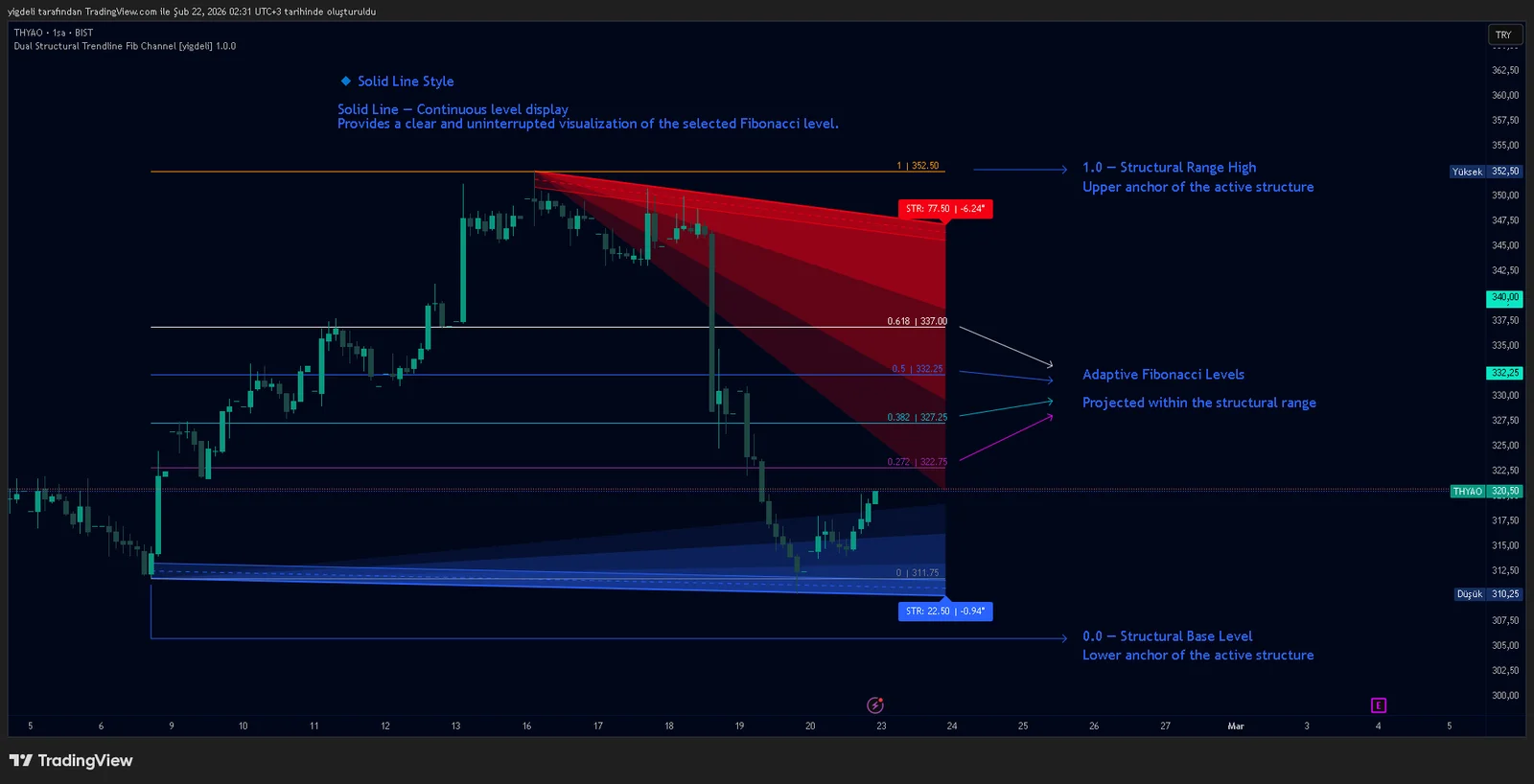
Dual Structural Trendline Fib Channel is a structural analysis indicator that automatically constructs dual trendline channels using pivot-based slope logic.
![Wedge Pattern [InfinityAlgo] Free Download](https://infinityalgoacademy.net/wp-content/uploads/2026/02/Wedge-Pattern-UAlgo-—-Indicator-by-UAlgo-—-TradingView-22-02-2026_21_34-scaled.png)
Wedge Pattern [InfinityAlgo] Free Download
Wedge Pattern is a chart overlay that detects rising and falling wedge formations using strict pivot based rules and a validation engine that enforces classic technical analysis requirements. The script builds two trendlines from confirmed pivot highs and pivot lows

Volatility Aggregation Model Tradingview
Volatility Aggregation Model (VAM) is a very simple overlay indicator that classifies market direction using a five-speed ensemble of volatility-adaptive range engines. Instead of relying on a single trend filter, VAM evaluates direction across multiple responsiveness settings and converts those states into a normalized score

Quantum Emperor MT4 Free Download
Introducing Quantum Emperor EA, the groundbreaking MQL5 expert advisor that's transforming the way you trade the prestigious GBPUSD pair! Developed by a team of experienced traders with trading experience of over 13 years.

CyNera MT4 Free Download
Trading gold, one of the most volatile instruments in the market, demands precision, in-depth analysis, and strong risk management. CyNera Expert Advisor seamlessly integrates these elements into a sophisticated system designed for optimal gold trading.