
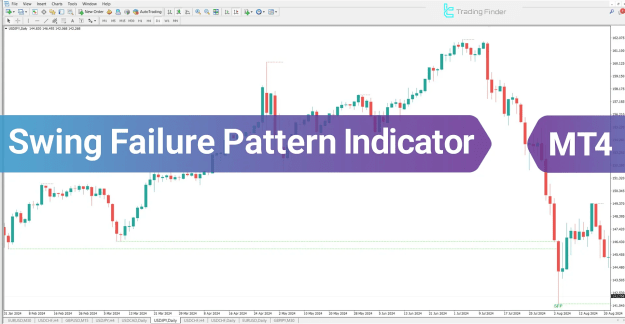
Swing Failure Pattern LuxAlgo v2
Swing Failure Pattern LuxAlgo v2
Swing Failure Pattern LuxAlgo v2
How to Download and Install Indicators in MetaTrader 4
Method 1: Installing Indicators from the MQL5 Website The MQL5 website is a reliable source for downloading MT4-compatible indicators. Follow these steps to install indicators from MQL5: Step 1: Register an Account on MQL5 To access indicators, you need to create an MQL5 account. Go to the MQL5 website and select “Create an Account.” Enter the required details and complete the registration process. If you already have an account, simply log in. Step 2: Find and Download the Indicator Once logged in, navigate to the “Market” section and select “Indicator” in MT4.
Use the search bar to find the desired indicator by typing its name in English. Click on the indicator’s page to view details and functionality. Click “Download” to start the download. If prompted, confirm the download and allow it to transfer to MT4. If MT4 is not installed, select “No” to download the installation file first. Step 3: Apply the Indicator in MT4
Open the MT4 platform and log in using your MQL5 account. In the Navigator panel, locate the downloaded indicator. Drag and drop the indicator onto the chart and click “OK” to activate it.
Method 2: Installing Indicators Directly from MT4 An alternative method to install indicators is through the Market section within MT4. Follow these steps: Step 1: Log in to the MQL5 Market in MT4
Launch MT4 and go to the top right corner. Select “Create an Account” if you don’t have one, or log in if you do. Click on “View,” then open “Terminal.” Navigate to the “Market” tab at the bottom. Step 2: Search and Download the Indicator
In the Market panel, select the “Indicator” category. Enter the indicator’s name in the search bar and select the desired option. Click “Download” to get the executable file. The indicator will automatically be added to the Navigator panel in MT4. Step 3: Activate the Indicator in MT4
Locate the downloaded indicator in the Navigator panel. Drag it onto the chart and click “OK” to enable it.
Conclusion Installing custom indicators in MetaTrader 4 (MT4) is a simple yet effective way to enhance market analysis and decision-making . Whether you choose to download indicators from the MQL5 website or directly through the Market section in MT4, both methods provide access to a wide range of free and premium tools. By following these steps—creating an MQL5 account, searching for the desired indicator, downloading it, and applying it in MT4—traders can seamlessly integrate indicators into their charts. Using custom indicators can improve trading strategies, refine market analysis, and create a more personalized trading experience. Always download indicators from trusted sources and adjust their settings to match your trading needs for the best results .
Related Products
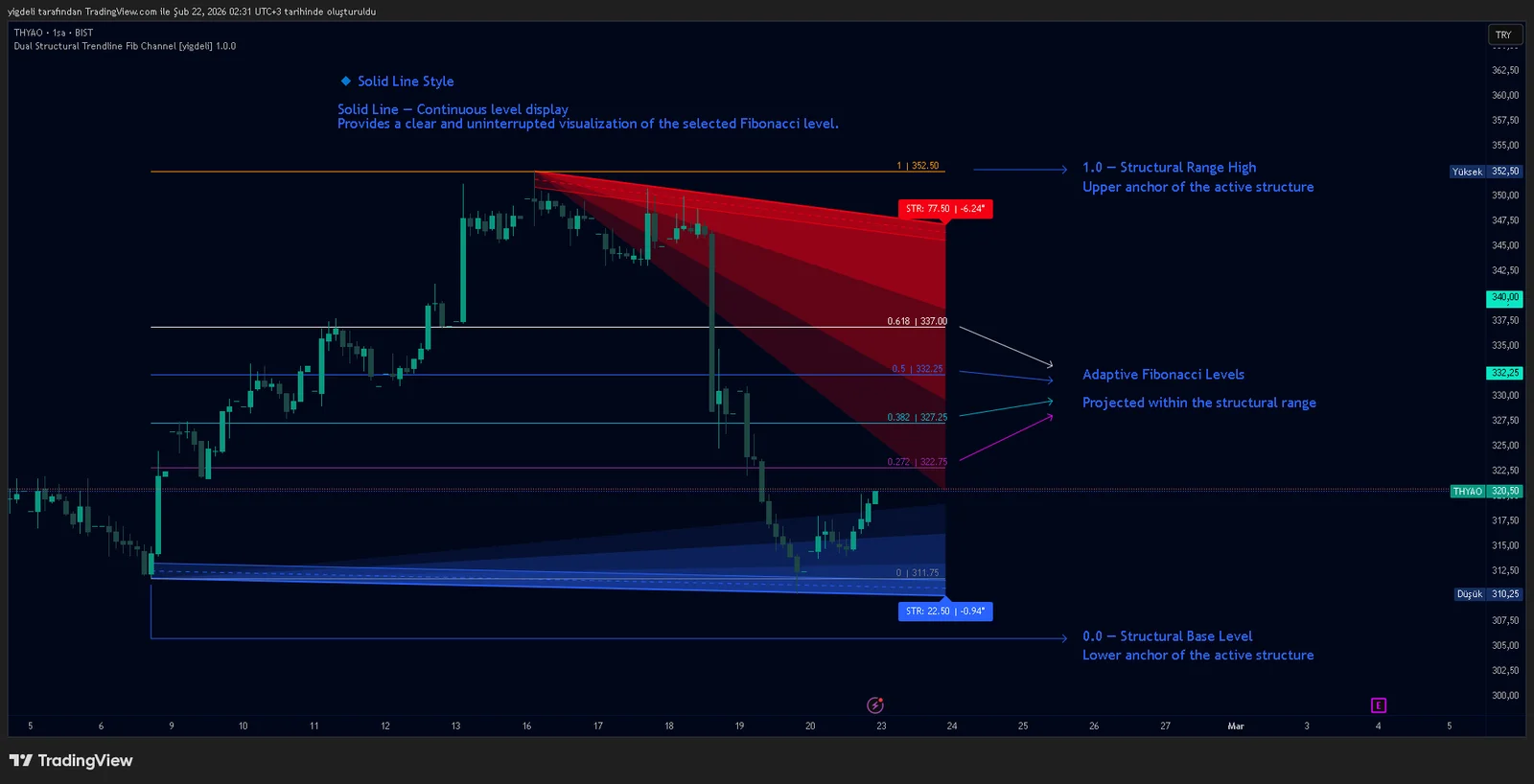
Dual Structural Trendline Fib Channel Free Download
Dual Structural Trendline Fib Channel is a structural analysis indicator that automatically constructs dual trendline channels using pivot-based slope logic.
![Wedge Pattern [InfinityAlgo] Free Download](https://infinityalgoacademy.net/wp-content/uploads/2026/02/Wedge-Pattern-UAlgo-—-Indicator-by-UAlgo-—-TradingView-22-02-2026_21_34-scaled.png)
Wedge Pattern [InfinityAlgo] Free Download
Wedge Pattern is a chart overlay that detects rising and falling wedge formations using strict pivot based rules and a validation engine that enforces classic technical analysis requirements. The script builds two trendlines from confirmed pivot highs and pivot lows

Volatility Aggregation Model Tradingview
Volatility Aggregation Model (VAM) is a very simple overlay indicator that classifies market direction using a five-speed ensemble of volatility-adaptive range engines. Instead of relying on a single trend filter, VAM evaluates direction across multiple responsiveness settings and converts those states into a normalized score

Quantum Emperor MT4 Free Download
Introducing Quantum Emperor EA, the groundbreaking MQL5 expert advisor that's transforming the way you trade the prestigious GBPUSD pair! Developed by a team of experienced traders with trading experience of over 13 years.

CyNera MT4 Free Download
Trading gold, one of the most volatile instruments in the market, demands precision, in-depth analysis, and strong risk management. CyNera Expert Advisor seamlessly integrates these elements into a sophisticated system designed for optimal gold trading.