
![Price-Point Volume Oscillator [LuxAlgo]](https://infinityalgoacademy.net/wp-content/uploads/2026/02/Price-Point-Volume-Oscillator-LuxAlgo-—-Indicator-by-LuxAlgo-18-02-2026_19_21-scaled.png)
Price-Point Volume Oscillator [LuxAlgo]
The Price-Point Volume Oscillator indicator estimates the volume distribution at the current price level by analyzing historical bars that intersect with the current market price.
The Price-Point Volume Oscillator indicator estimates the volume distribution at the current price level by analyzing historical bars that intersect with the current market price.
🔶 USAGE
This tool provides a unique perspective on volume by filtering historical price action to show only the volume that occurred when the price was at its current level. This helps traders identify whether the current price point has historically been a zone of high buying pressure, heavy selling, or balanced distribution.
The indicator consists of several visual components:
- Buy/Sell Volume Areas: The background shows the estimated buying volume (green area) and selling volume (red area) accumulated at the current price over the lookback period.
- Volume Delta Histogram: The central histogram represents the net difference (Delta) between buy and sell volume. A green histogram indicates a net positive buying bias at the current price, while a red histogram indicates a net negative selling bias.
- Dashboard: A real-time table providing specific metrics, including estimated Buy/Sell totals, the net Delta, and the Delta Percentage.
Traders can use this oscillator to confirm support or resistance levels. For example, if the price approaches a previous level and the Delta Histogram shows significant buying volume at that specific price point, it may suggest strong historical demand.
🔶 DETAILS
The script operates by looping through a user-defined lookback window. For every historical bar, it checks if the current close price falls within that bar’s High-Low range. If it does, the volume from that historical bar is “allocated” to the current price level.
To differentiate between buying and selling volume, the script uses a ratio based on where the historical bar closed relative to its range. If a historical bar closed near its high, a larger portion of its volume is attributed to “Buy Volume” at the current price.
🔶 SETTINGS
🔹 Settings
- Lookback Window: Determines the number of historical bars the indicator analyzes to find price intersections. A larger window provides a more comprehensive historical view but requires more calculations.
🔹 Visuals
- Show Dashboard: Toggles the visibility of the real-time statistics table.
- Position: Controls where the dashboard is anchored on the chart (Top Right, Bottom Right, or Bottom Left).
- Size: Adjusts the text and table size of the dashboard to fit different screen resolutions.
Related Products
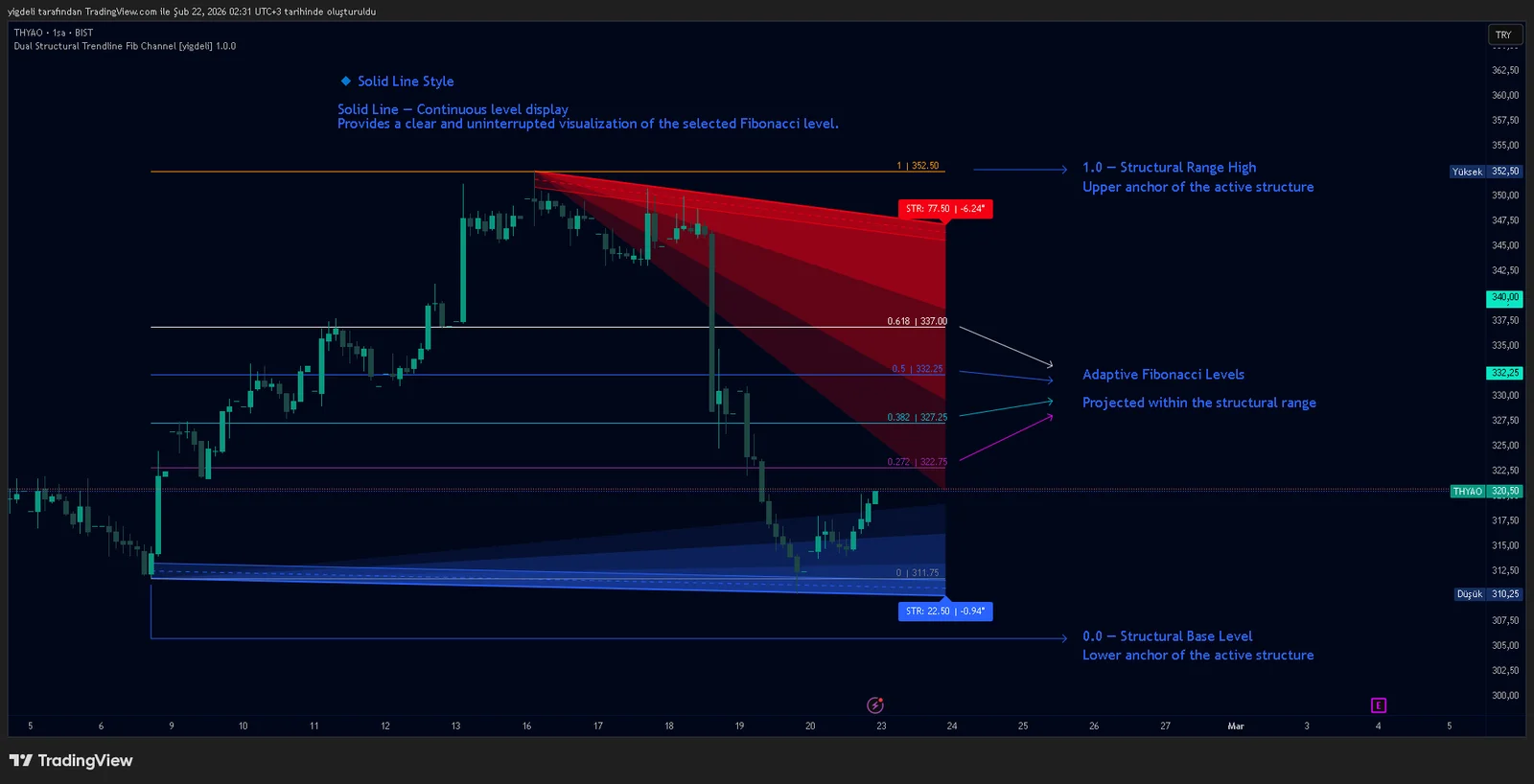
Dual Structural Trendline Fib Channel Free Download
Dual Structural Trendline Fib Channel is a structural analysis indicator that automatically constructs dual trendline channels using pivot-based slope logic.
![Wedge Pattern [InfinityAlgo] Free Download](https://infinityalgoacademy.net/wp-content/uploads/2026/02/Wedge-Pattern-UAlgo-—-Indicator-by-UAlgo-—-TradingView-22-02-2026_21_34-scaled.png)
Wedge Pattern [InfinityAlgo] Free Download
Wedge Pattern is a chart overlay that detects rising and falling wedge formations using strict pivot based rules and a validation engine that enforces classic technical analysis requirements. The script builds two trendlines from confirmed pivot highs and pivot lows

Volatility Aggregation Model Tradingview
Volatility Aggregation Model (VAM) is a very simple overlay indicator that classifies market direction using a five-speed ensemble of volatility-adaptive range engines. Instead of relying on a single trend filter, VAM evaluates direction across multiple responsiveness settings and converts those states into a normalized score
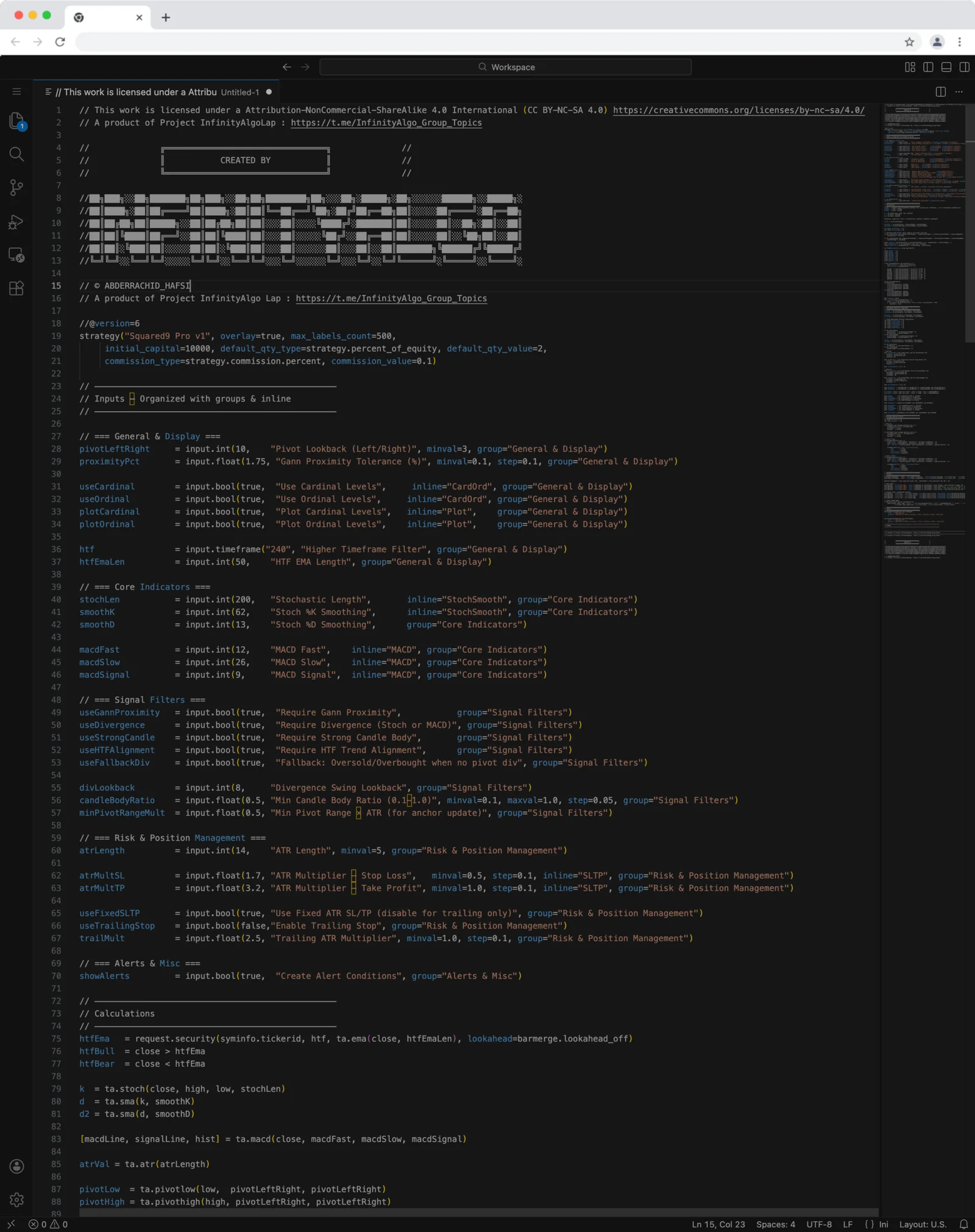
Squared9 Pro v1 Tradingview Free Download - PineScript
Squared9 Pro v1.0 (strategy) combines classic Gann geometry with modern momentum checks to find high-conviction reversal zones.
![Impulse Trend Levels [InfinityAlgo]](https://infinityalgoacademy.net/wp-content/uploads/2026/02/Impulse-Trend-Levels-BOSWaves-—-Indicator-by-BOSWaves-—-TradingView-19-02-2026_19_05-scaled.png)
Impulse Trend Levels [InfinityAlgo]
Impulse Trend Levels [InfinityAlgo] is a momentum-aware trend identification system that tracks directional price movement through adaptive confidence bands, where band width dynamically adjusts based on impulse strength and freshness to reflect real-time conviction in the current trend direction.