

Darker MT4
The EA uses a unique non-linear formula for calculating market entry points and a unique algorithm for fixing the result of work. The trading expert does not use the increase in the volume of transactions to block unprofitable positions.
Mandatory take profit and stop loss levels are used.
The best results are achieved when working with trading instruments with default settings (TF 5m):
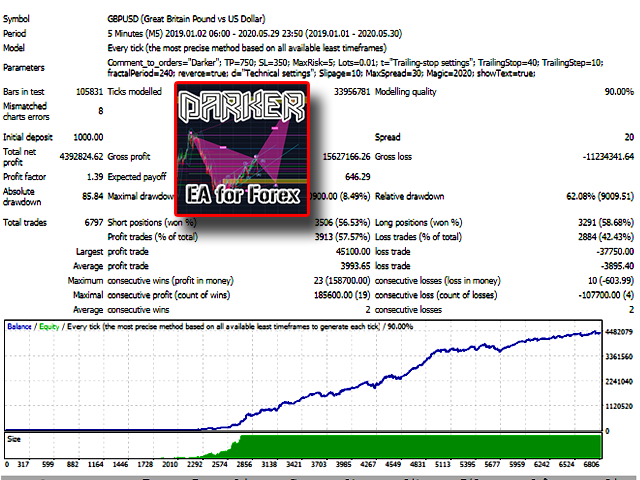
- GBPUSD;
- GBPJPY;
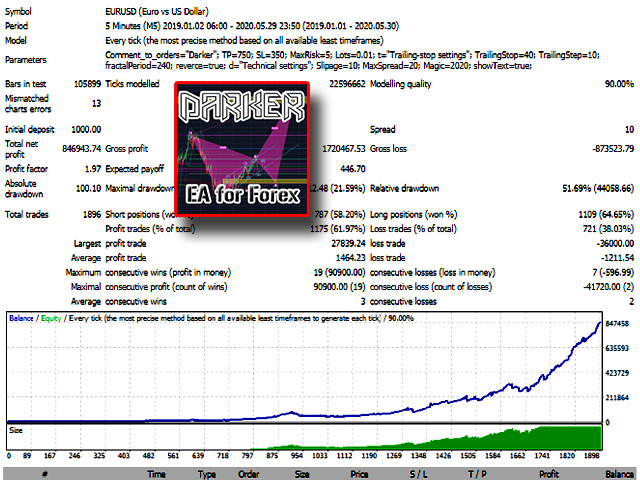
- EURUSD
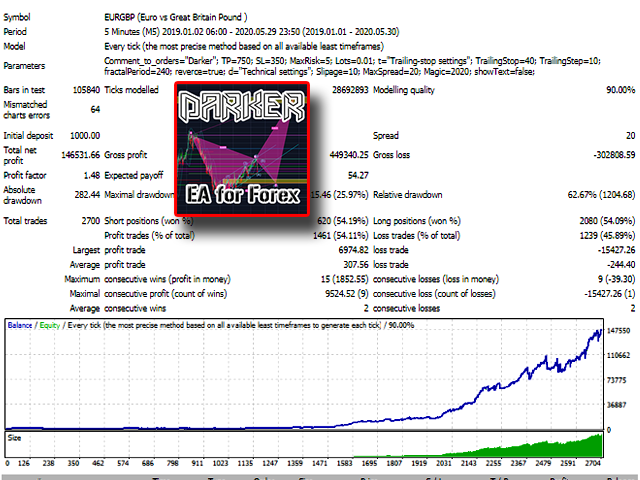
- EURGBP;
- EURJPY.
- Install MT4 trading terminal on a remote server;
- Install the Darker advisor in the trading terminal.
- Open charts of currency pairs: GBPUSD, EURUSD, EURGBP, GBPJPY, EURJPY. Timeframe: 5 minutes.
- On each chart of the specified currency pairs, install an adviser (allow it to trade in the settings).
Settings:
- Comment to order – Comment on orders;
- Take Profit – Take Profit Level;
- Stop Loss – Stop Loss Level;
- MaxRisk – Risk for automatic determination of a trading lot;
- if MaxRisk = 0, Lot will be – If MaxRisk = 0, the lot will be like this;
- Start Trailing Stop – Start trailing stop (if 0 – does not work);
- Step Trailing Stop – Step of the trailing stop;
- Fractal Period – The period of the Fractals indicator.
- Trend / Cons – By trend (true) or against the trend (false);
- Max Slippage – The maximum value of slippage.
- Max Spread – maximum spread;
- Magic Number – a magic number to distinguish your orders from strangers.
- Show info-text? – Display of the information panel on the chart.

Related Products
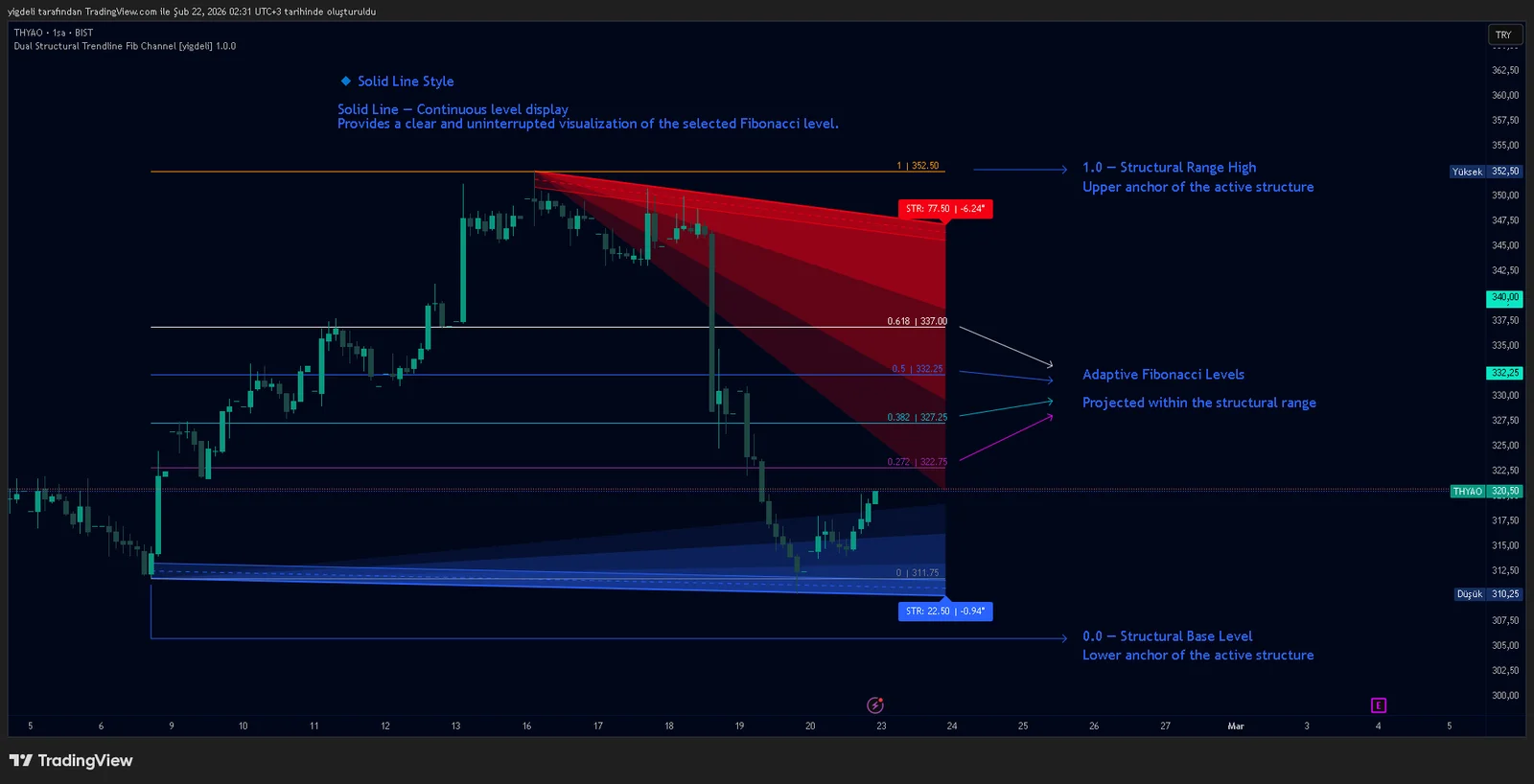
Dual Structural Trendline Fib Channel Free Download
Dual Structural Trendline Fib Channel is a structural analysis indicator that automatically constructs dual trendline channels using pivot-based slope logic.
![Wedge Pattern [InfinityAlgo] Free Download](https://infinityalgoacademy.net/wp-content/uploads/2026/02/Wedge-Pattern-UAlgo-—-Indicator-by-UAlgo-—-TradingView-22-02-2026_21_34-scaled.png)
Wedge Pattern [InfinityAlgo] Free Download
Wedge Pattern is a chart overlay that detects rising and falling wedge formations using strict pivot based rules and a validation engine that enforces classic technical analysis requirements. The script builds two trendlines from confirmed pivot highs and pivot lows

Volatility Aggregation Model Tradingview
Volatility Aggregation Model (VAM) is a very simple overlay indicator that classifies market direction using a five-speed ensemble of volatility-adaptive range engines. Instead of relying on a single trend filter, VAM evaluates direction across multiple responsiveness settings and converts those states into a normalized score

Quantum Emperor MT4 Free Download
Introducing Quantum Emperor EA, the groundbreaking MQL5 expert advisor that's transforming the way you trade the prestigious GBPUSD pair! Developed by a team of experienced traders with trading experience of over 13 years.

CyNera MT4 Free Download
Trading gold, one of the most volatile instruments in the market, demands precision, in-depth analysis, and strong risk management. CyNera Expert Advisor seamlessly integrates these elements into a sophisticated system designed for optimal gold trading.